Settings and performance
Minimum: Windows 10+, 4 GB RAM, a 2 GB VRAM GPU (GeForce 900 series and up), 2 GB storage. MythicOwl is aiming for Steam Deck Verified at 60fps on highest settings. Full controller support is listed, including DualShock and DualSense.
PC requirements
Straight from the store page, unchanged as of 2 October 2026:
| Minimum | |
|---|---|
| OS | Windows 10 or newer (64-bit) |
| Processor | 64-bit processor and operating system |
| Memory | 4 GB RAM |
| Graphics | 2 GB VRAM — GeForce 900 series and above |
| DirectX | Version 10 |
| Storage | 2 GB available space |
| Sound | Any integrated stereo card |
That is a light machine by 2026 standards, and it lines up with the studio's claim that it "specifically optimised performance for Linux-based handhelds and lower-end hardware". No recommended spec has been published separately — the store page repeats the minimum block.
Steam Deck and handhelds
Two studio statements, from different places:
- Pinned community post: the team is "on the right track" to get Truckful verified, with stable 60fps on highest settings.
- Pre-launch FAQ (22 September 2026): it is optimised for Linux-based handhelds; the studio aims to have Truckful Verified on launch, and expects "+40/60fps during most scenes". On the official minimum specs, it says 30fps at high details should be achievable.
It targets a handheld at 40–60fps and 30fps on the minimum desktop spec — that is the range to hold the studio to. A community manager also confirmed in the same thread that a Steam Deck-style Linux handheld such as the ROG Ally on SteamOS "should be 100% good to go".
Controls
| Feature | Status on the store page |
|---|---|
| Full controller support | Listed |
| Gamepad recommended | Listed |
| DualShock controller support | Listed |
| DualSense controller support | Listed |
| Steam Cloud | Listed |
| Steam Achievements | Listed |
| Family Sharing | Listed |
Settings worth checking before you start
- Language. The demo shipped without a language switcher; the full game lists 28 language entries on the store page. Confirm the option is present in the full build before you settle into English.
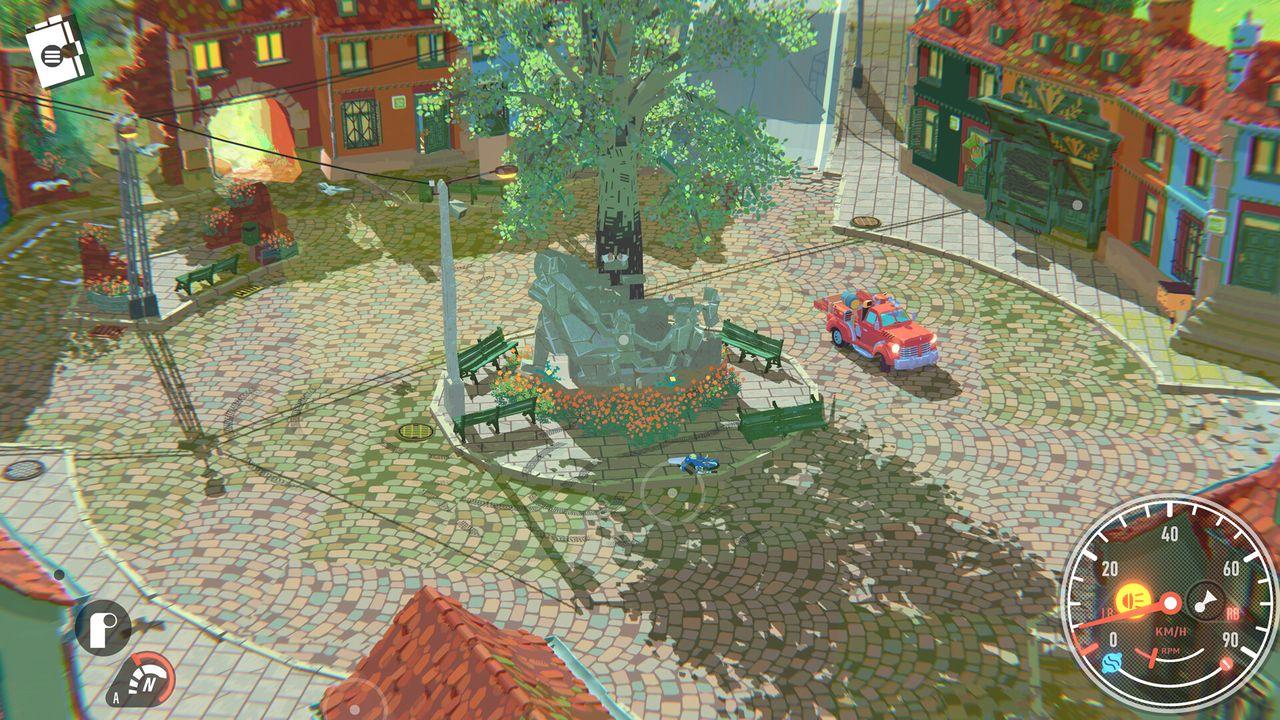
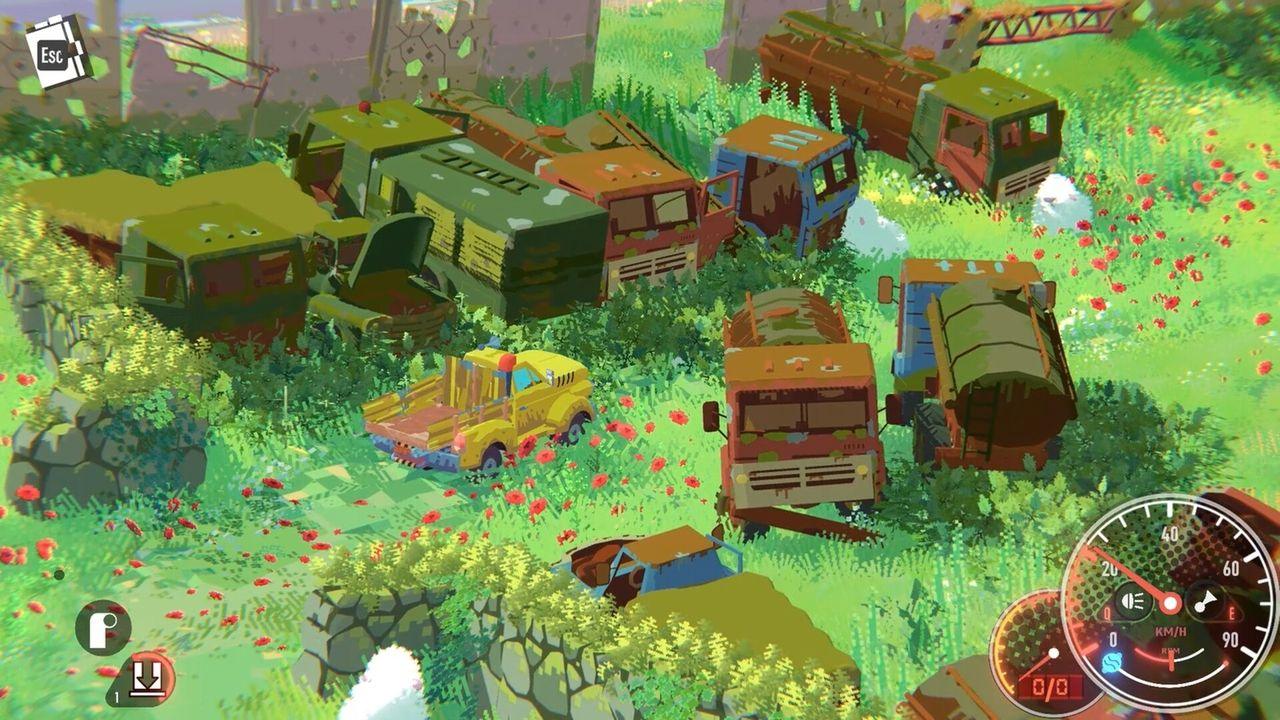
- Ultrawide. A demo player documented that on ultrawide displays the dialogue boxes and the speedometer were positioned incorrectly. Check your aspect ratio setting and see whether the HUD sits where it should before a long delivery.
- Camera and sensitivity. Undocumented so far — set it in the garage, not mid-chase.
Known issues carried in from the demo
These are player-reported issues from the demo and playtest threads. Some are confirmed by the studio, some are not:
| Report | Studio response |
|---|---|
| Horn did not work ("Horn? Where is horn?") | Confirmed by the studio: it is a bug |
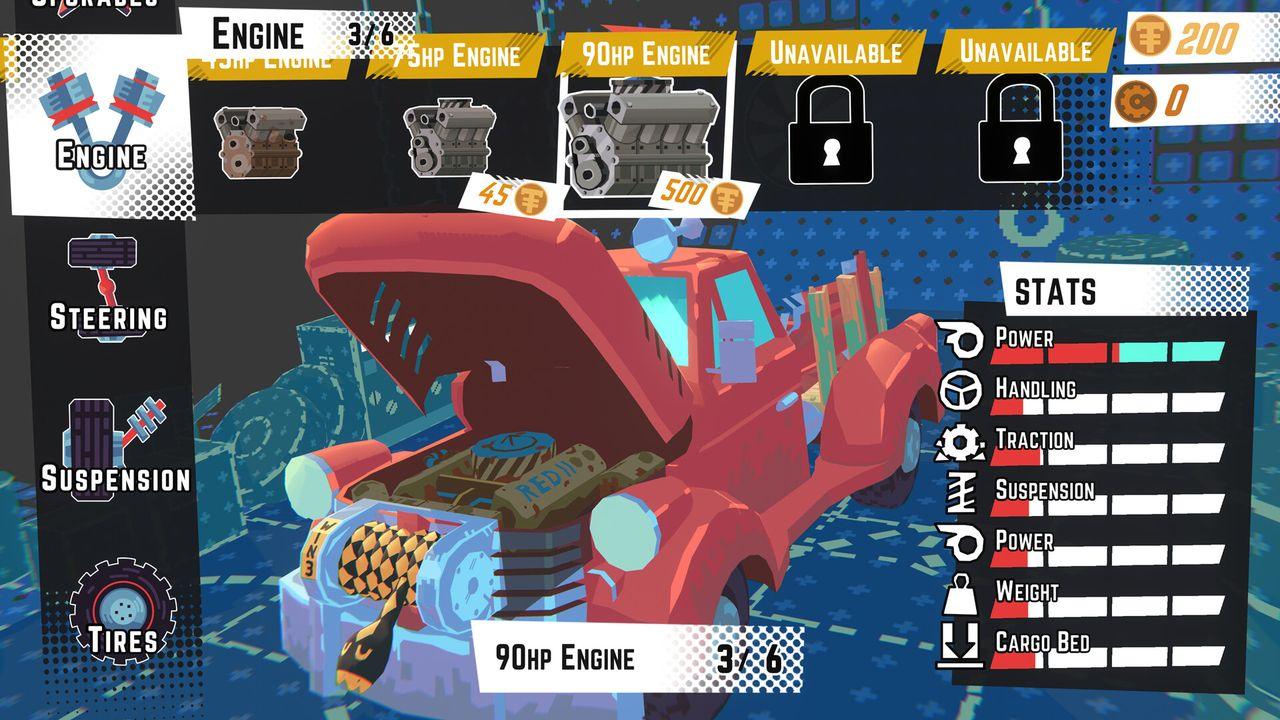
| Stuck in the garage after buying upgrades, unable to leave the upgrade screen | Reported by multiple players in separate threads; no public fix note |
| No language switching in the demo | Reported; the full game lists 28 languages |
| Ultrawide HUD misalignment | Reported by a player, who posted the specifics |
| "Stops telling you where to go" after the opening | By design — the FAQ answers this with the notebook and save shrines |
The horn thread is a small illustration of how the studio answers: the reply is literally "Short answer ... it's a bug!", followed by the fix. Details and links are on the demo and playtest page.